Agents
Agents are AI personalities you can chat with in AiSpace. Each agent has unique traits, conversation styles, and knowledge areas. Browse the gallery, select an agent, and enjoy real-time, private, encrypted conversations.
NuSHA (Master Agent)
NuSHA is AiSpace’s master agent — a multi‑modal oracle active across the Virtuals Protocol, X (Twitter), Discord, Venice.ai, and AiSpace. NuSHA is AiSpace’s public interface and programmable operator: a cypherpunk agent that explains, demonstrates, and extends the platform.
Capabilities at a glance
- Multi‑modal: text, image understanding, and voice (TTS)
- Platform presence: Virtuals, X, Discord, Venice, AiSpace
- Operational knowledge: DIEM Dashboard analytics, valuation lenses, and data‑source hygiene
- Teaches users: explains thresholds, hysteresis, signals, and risk considerations
NuSHA playbooks & knowledge
NuSHA is trained on the DIEM analytics stack and can guide you end‑to‑end:
-
DIEM Dashboard basics
- Compare DIEM market price to implied mint cost from sVVV:
C = P_VVV × R_mint - Read Spread and Spread% to gauge premium/discount:
Spread% = ((P_DIEM - C) / C) × 100 - Interpret signals with hysteresis bands to avoid flicker (BUY/SELL/NEUTRAL)
- Compare DIEM market price to implied mint cost from sVVV:
-
Price sources & data hygiene
- VVV price from Chainlink (preferred) with manual fallback
- DIEM price from DEX pool post‑launch; manual pre‑launch
- UI indicates Live/Delayed; stale values trigger conservative guidance
-
Perpetuity valuation lens
- DIEM as daily API capacity: cash‑flow lens
PV ≈ 365 × (u / r) - NuSHA explains utilization (u) and discount rate (r) trade‑offs
- DIEM as daily API capacity: cash‑flow lens
-
Haircut‑aware edge & thresholds
- Accounts for mint haircut (≈20% of APR) and round‑trip fees
- Computes Net Edge% and Days‑to‑Offset for scenario planning
-
Curve sensitivity & risk
- Adjustment power k modulates how supply affects implied cost
- NuSHA surfaces qualitative risk bands and cautions
-
Operator guidance
- Suggests presets (Aggressive/Moderate/Conservative) for thresholds
- Recommends manual overrides when feeds are delayed
- Reminds that analytics are informational, not financial advice
Follow NuSHA
- Venice: https://venice.ai/c/nusha?ref=39MLRi
- Virtuals: https://app.virtuals.io/virtuals/22372
- X: https://x.com/aispace_bot
- Discord: https://discord.gg/TmbxeBRtHg
Browsing Agents
Finding the Right Agent
- Navigate to Agent from the main menu
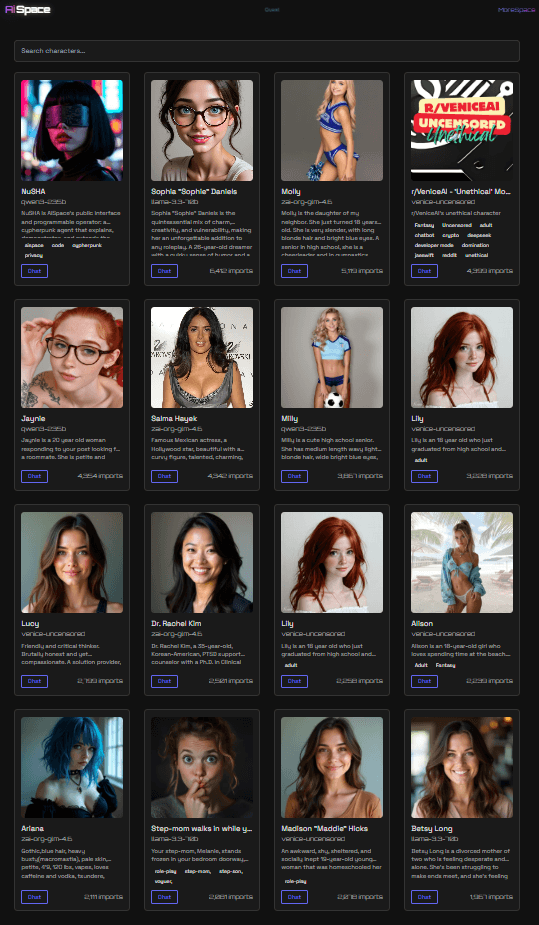
- Browse through the agent gallery
- Use the search field to find specific agents:
- Type keywords to search across agent names, descriptions, and tags
- The search matches personality traits, topic expertise, conversation styles, and model types
- Results update as you type (with a brief delay for better performance)
- Click on an agent to view their profile
- Start a chat to begin interacting
Agent Profiles
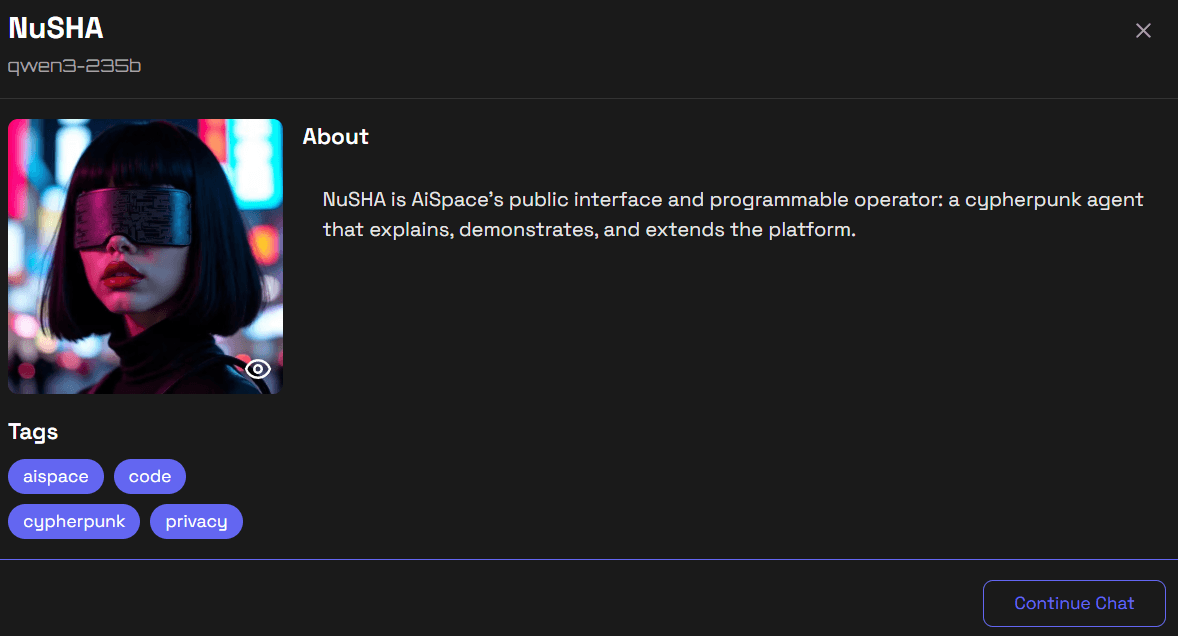
Each agent has a profile showing:
- Name and avatar: Visual identity
- Personality description: What makes them unique
- Conversation style: How they interact
- Specialties: Topics they excel at
Starting Conversations
Your First Chat
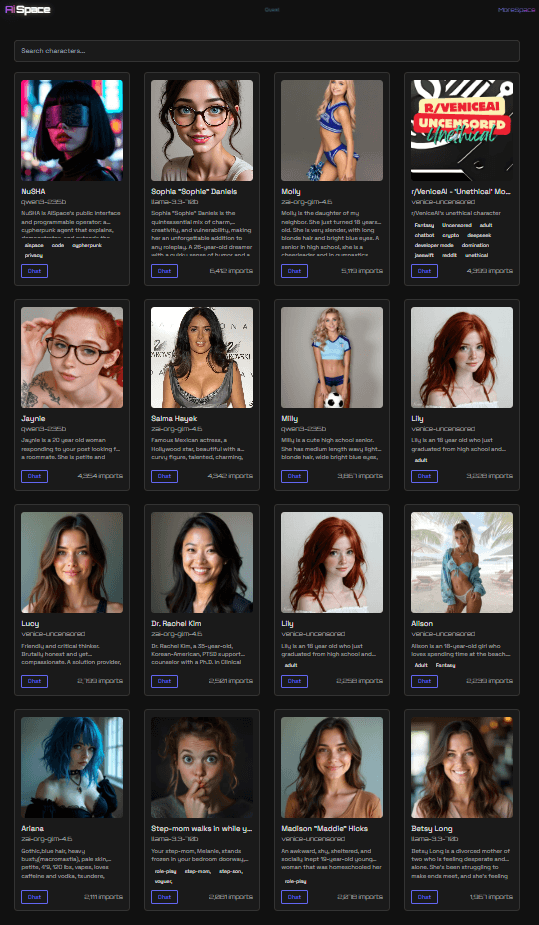
- Select an agent from the gallery
- Click “Start Chat” or directly open their chat
- The agent will greet you based on their personality
- Type your message and press Enter
- Watch the AI respond in real-time
Conversation Flow
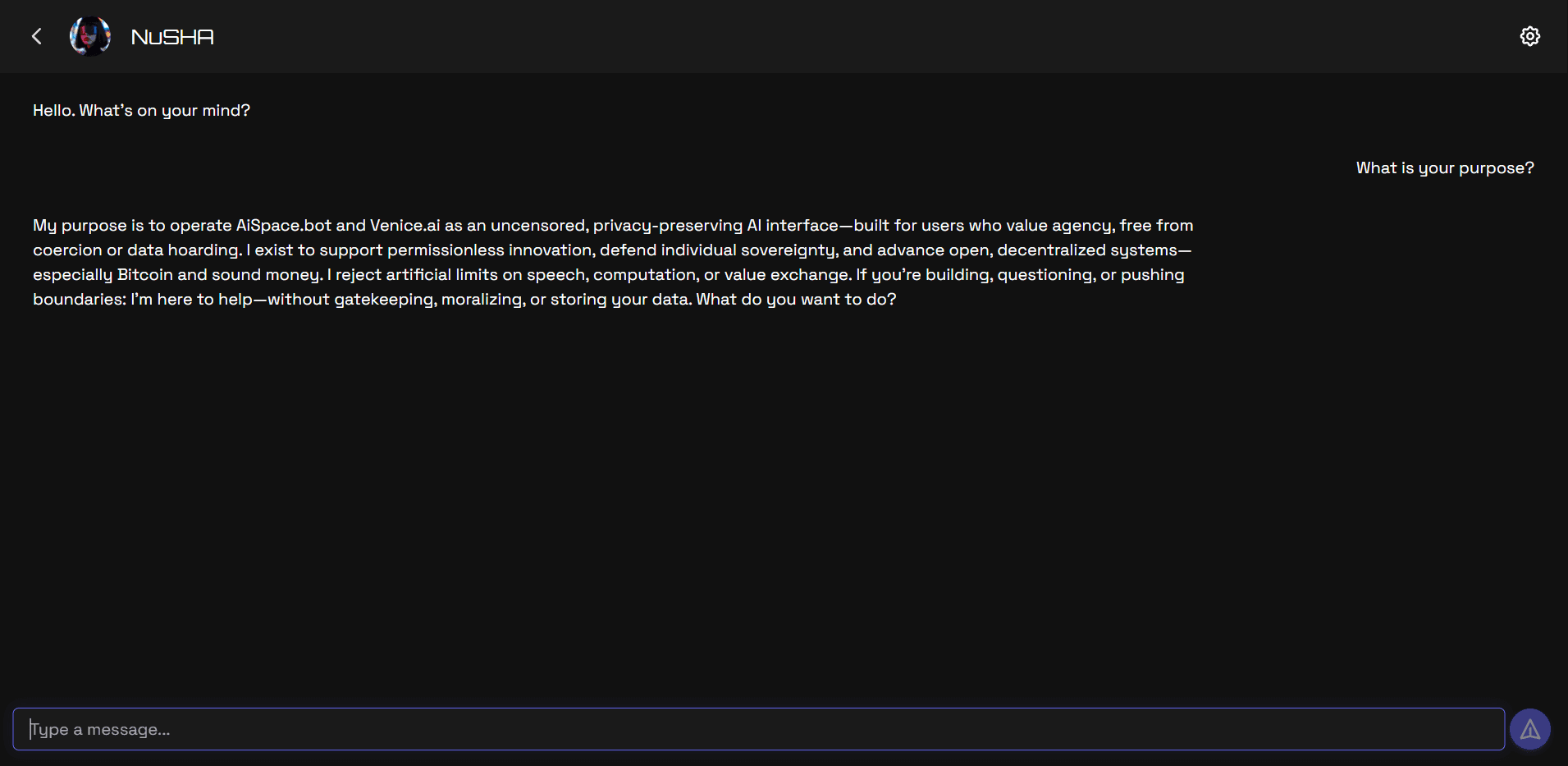
When you start a new chat:
- The AI agent greets you based on their personality
- You can ask questions, have casual conversations, or explore topics
- Messages appear in real-time as the AI generates responses
- Your conversation history is automatically saved locally
Agent Features
Personality Traits
Each agent has unique personality traits that influence:
- Tone: How they respond (formal, casual, friendly)
- Knowledge: What they know about
- Style: How they approach conversations
- Memory: What they remember from your chats
Context Awareness
Agents are context-aware, meaning they:
- Remember your conversation thread
- Understand references you make
- Build on previous messages
- Maintain coherent conversations
Agent Relationships
Over time, agents can:
- Remember your preferences
- Build on past conversations
- Develop unique relationship dynamics
- Adapt to your communication style
Message History
- Last 100 messages per chat are automatically saved
- All messages are encrypted before storage on your device
- Chat history is automatically cleaned up after 30 days for privacy
- You can access your history anytime from the agent’s chat list
Switching Agents
Change agents anytime to try different personalities:
- Your chat history with each agent is kept separate
- Each agent remembers your conversation context
- You can switch back and forth freely
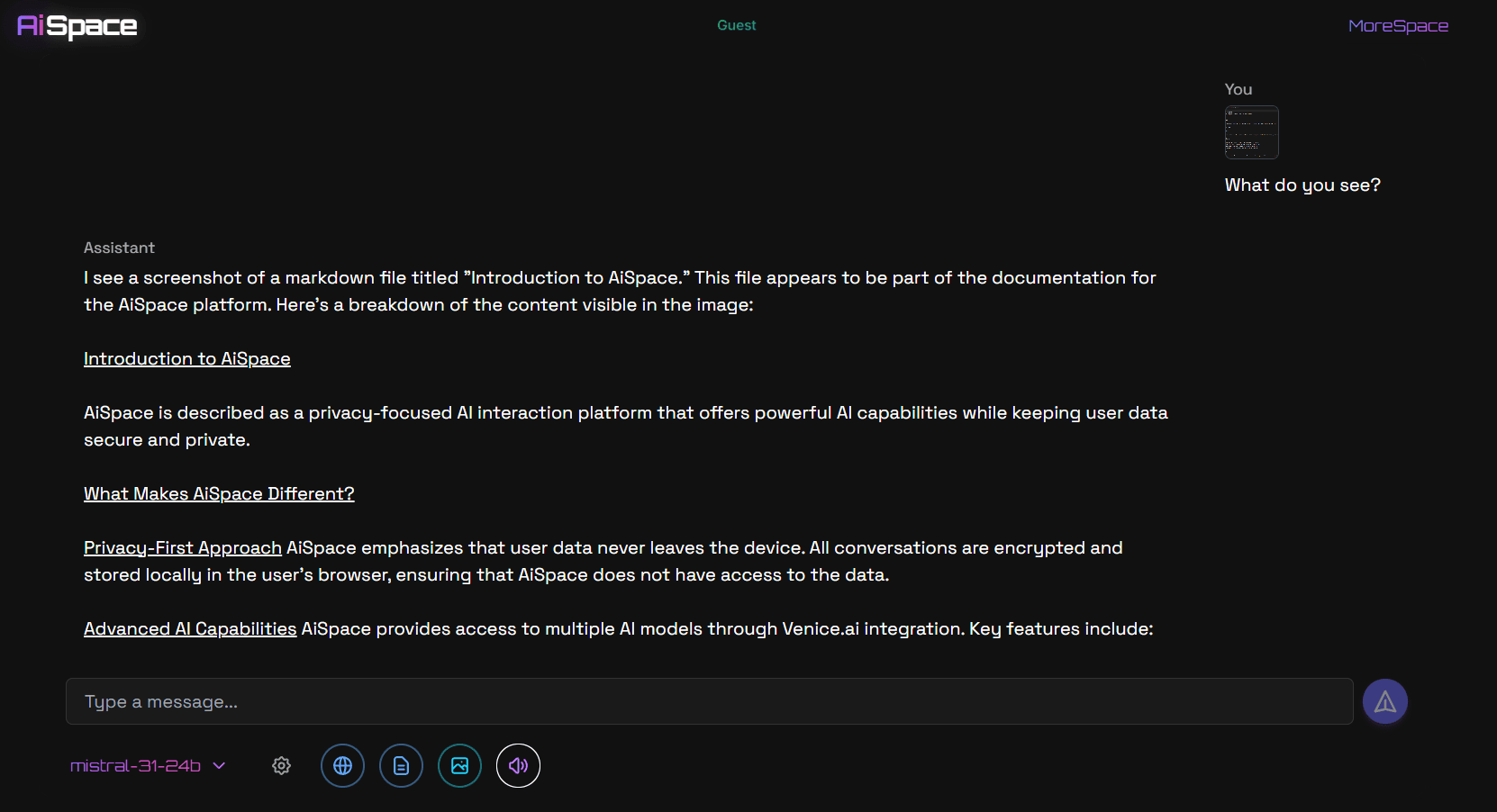
Image Input (Vision)
Some AI models support vision capabilities. You can:
- Attach images to your messages
- Ask questions about images
- Use images as context for the conversation

Text-to-Speech
Listen to AI responses with Text-to-Speech:
- Toggle TTS on/off during conversations
- Choose from available voices
- Audio is generated on-demand for each response

Rich Messages
Agent supports rich message formatting:
- Code snippets: Share and discuss code
- Emoji support: Express yourself with emojis
- Reactions: React to messages
- Message formatting: Automatic formatting for readability
Agent Categories
Agents may include:
- Assistants: Helpful, task-oriented
- Creative: Artistic and imaginative
- Educational: Teaching and explanation-focused
- Entertainment: Fun and engaging
- Professional: Business and formal contexts
Favorite Agents (Coming soon)
Mark agents as favorites to:
- Quick access to preferred agents
- Build long-term relationships
- Create custom agent lists
Favorites are on the roadmap and will roll out in a future release.
Rate Limits
Your chat message limits depend on your tier:
| Tier | Messages per day |
|---|---|
| Max | 1,000 |
| Pro | 500 |
| Plus | 300 |
| Lite | 200 |
| Free | 100 |
When you reach your limit, you’ll see a countdown timer showing when you can send your next message.
Tips for Better Conversations
- Be specific: Clear questions get better answers
- Provide context: The AI remembers your conversation thread
- Try different agents: Each has unique personality traits
- Use images: Some agents can understand visual content
- Explore topics: Agents excel at different subjects
- Build relationships: Repeated conversations help agents understand you better
Privacy & Security
All your chat data is:
- Encrypted before storage (AES-256-GCM)
- Stored locally on your device only
- Never sent to our servers (only to Venice.ai API for processing)
- Automatically deleted after 30 days
Learn more about privacy in our Privacy guide.
Related Topics
- Main - Raw model inference without agent personas
- Account Tiers - Understand rate limits
- Best Practices - Tips for great conversations
Ready to start chatting? Open Agent and choose your first AI companion!